Batch crop PDF margins online free for all pages
Removing excess white margins from PDF pages manually is inefficient, especially when dealing with multi-page documents. The standard workflow—opening a preview tool, selecting crop area, and repeating for each page—introduces unnecessary friction.
PuraPDF's batch crop function eliminates this repetition. Input four pixel values (Top, Bottom, Left, Right) once, toggle the scope to "All Pages," and apply the same boundary adjustment across the entire document. Processing occurs server-side and preserves the original resolution and vector integrity of the file.
No registration, no watermarks, and no modification to the underlying content stream. Only the visible page boundary (CropBox) is redefined per ISO 32000-2 specifications.
Why Use PuraPDF for Batch Cropping
- Uniform crop across all pages. The tool applies identical margin removal to every page in the document. Whether the PDF contains 10 pages or 200, the CropBox adjustment is executed once and propagated instantly.
- Free tier supports files up to 50MB. Documents under 50MB are processed at no cost. For larger files—such as high-resolution portfolios or technical drawings—higher limits are available on the pricing page.
- Automated file removal. Processed files and associated metadata are purged from active servers within a 24-hour rolling window. No manual backups are retained. Transmission is encrypted via TLS 1.3.
- Non-destructive processing. Cropping adjusts the visible frame only. It does not resample images, re-encode fonts, or alter the internal structure of the PDF. Text remains selectable and searchable post-crop.
How to Batch Crop PDF Margins Online
Step 1: Open the Crop Tool
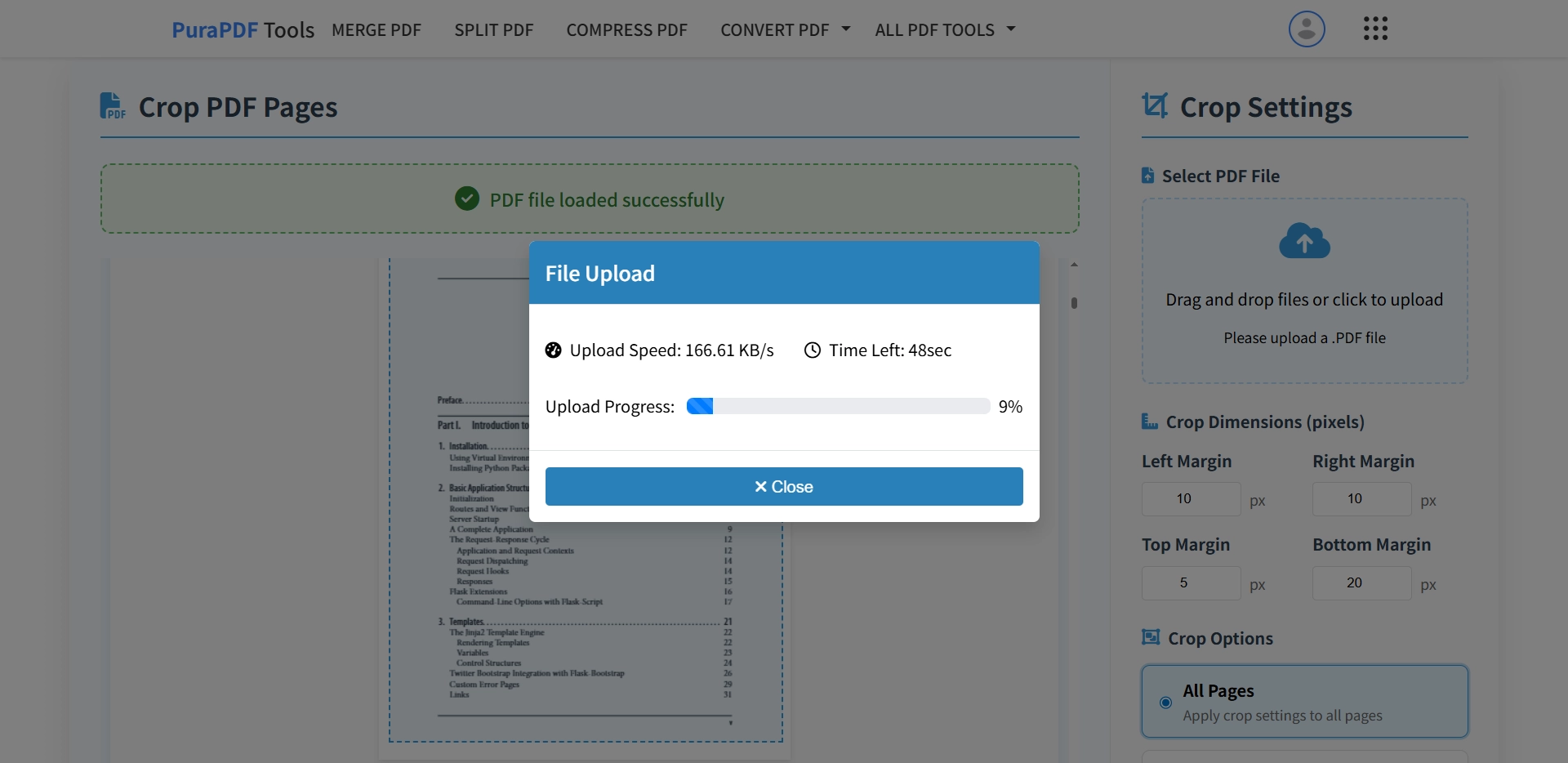
Head over to the PuraPDF Crop PDF page. The interface displays an upload area and four input fields labeled Top, Bottom, Left, and Right.
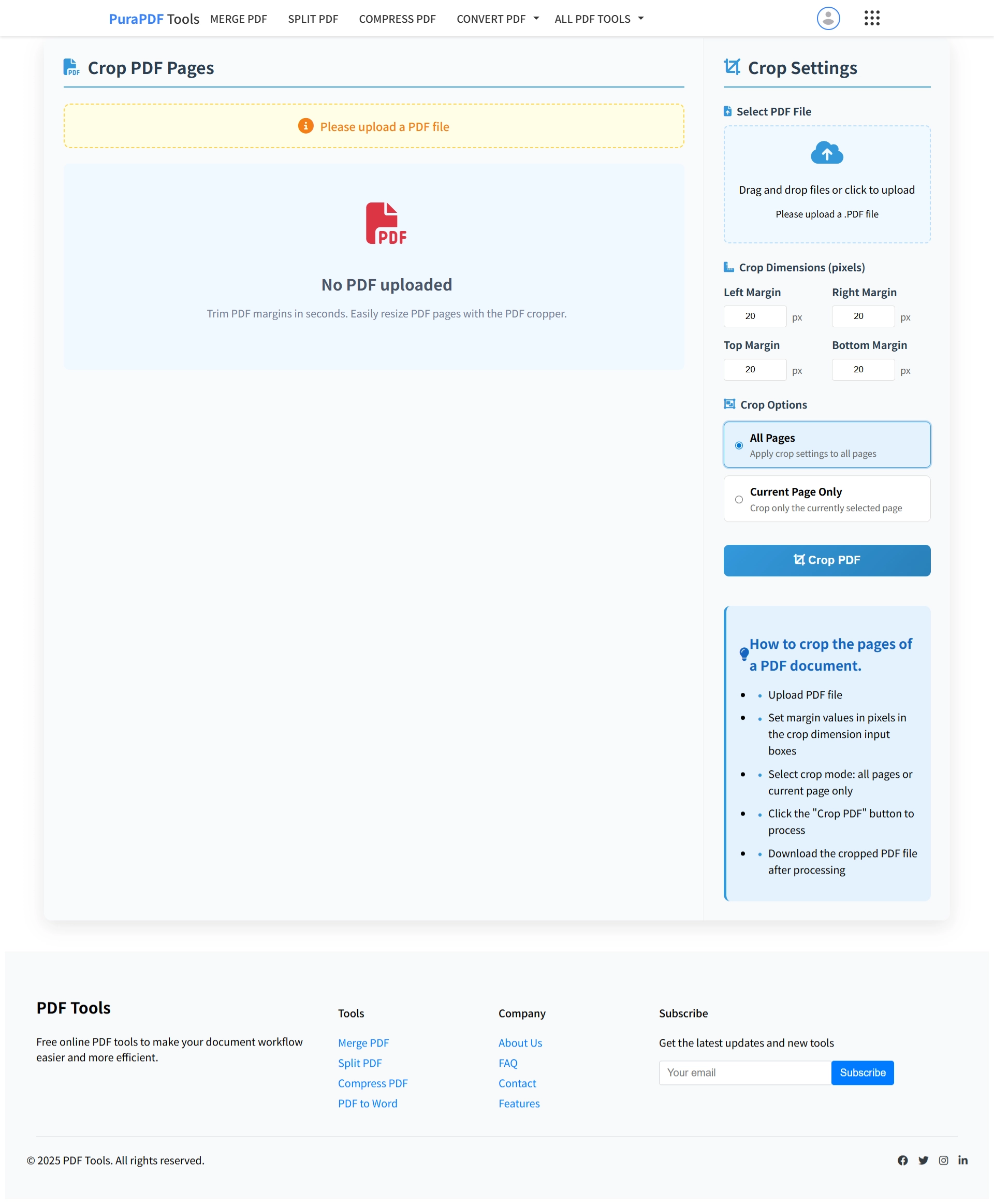
Step 2: Upload Your PDF
Upload the target PDF by dragging it into the designated area or clicking to browse local files. Files up to 50MB are accepted on the free tier.
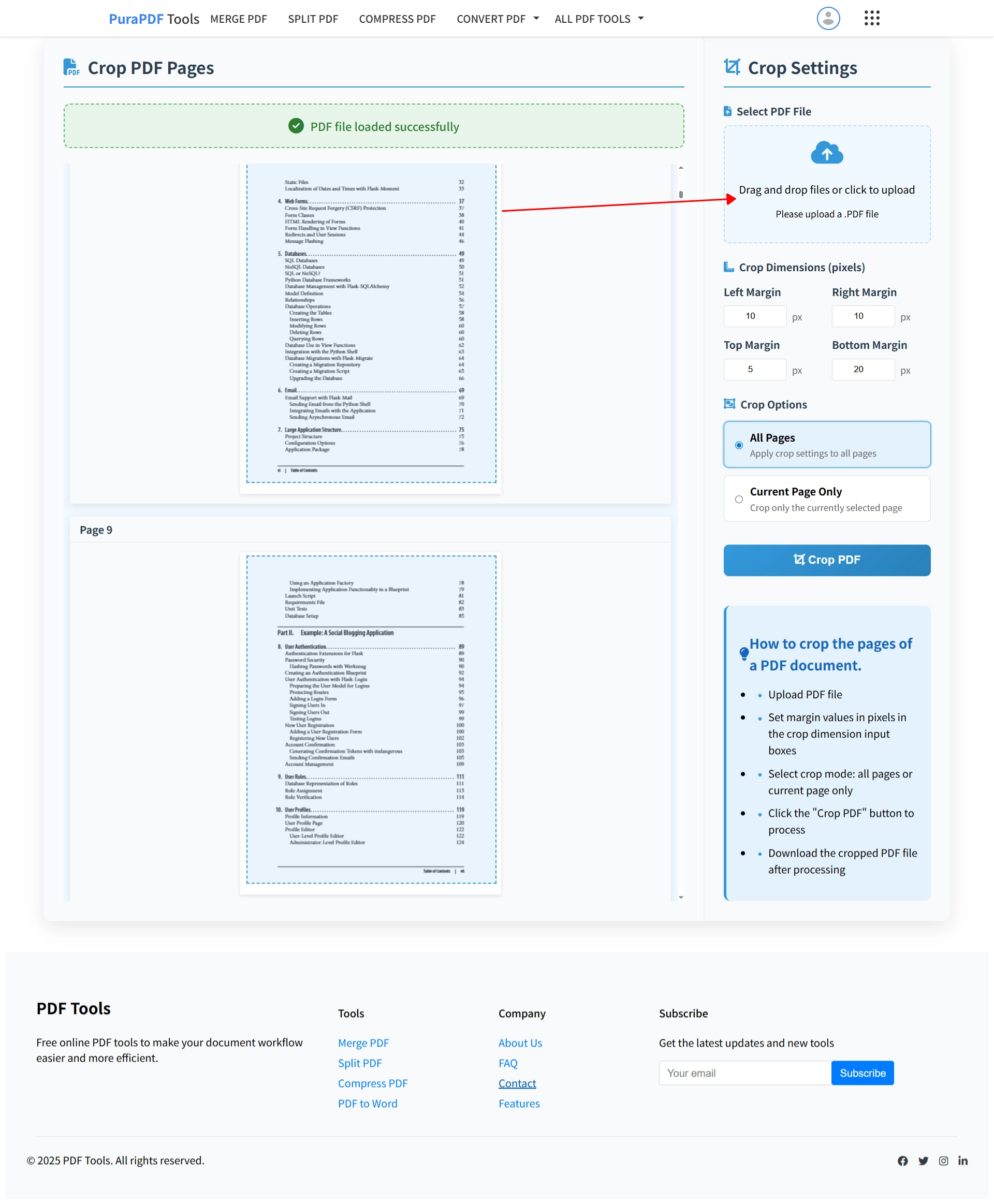
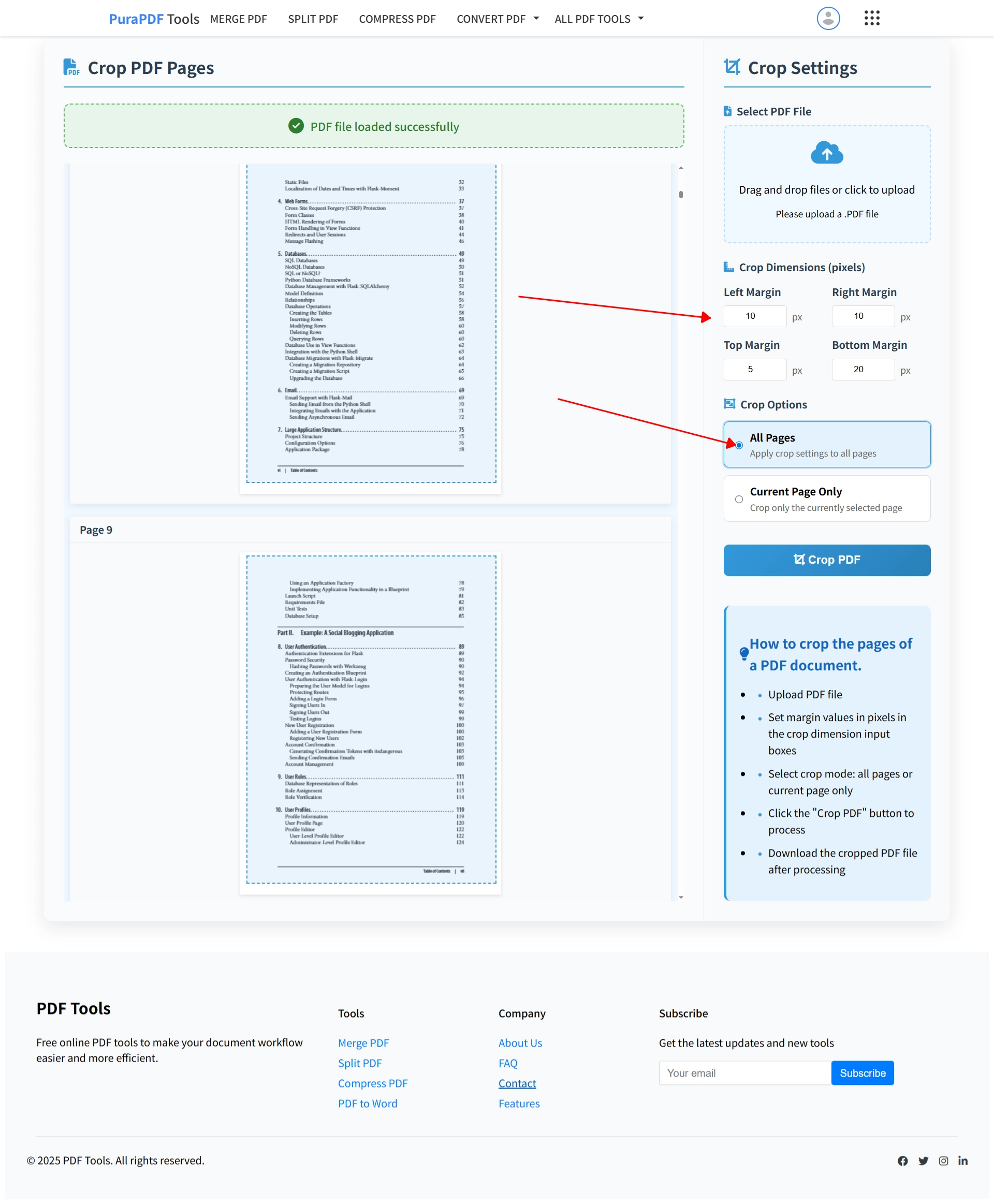
Step 3: Set Crop Dimensions
Enter the desired pixel values for margin removal. Verify the preview to confirm the crop boundaries. Ensure the "All Pages" option is selected before proceeding.
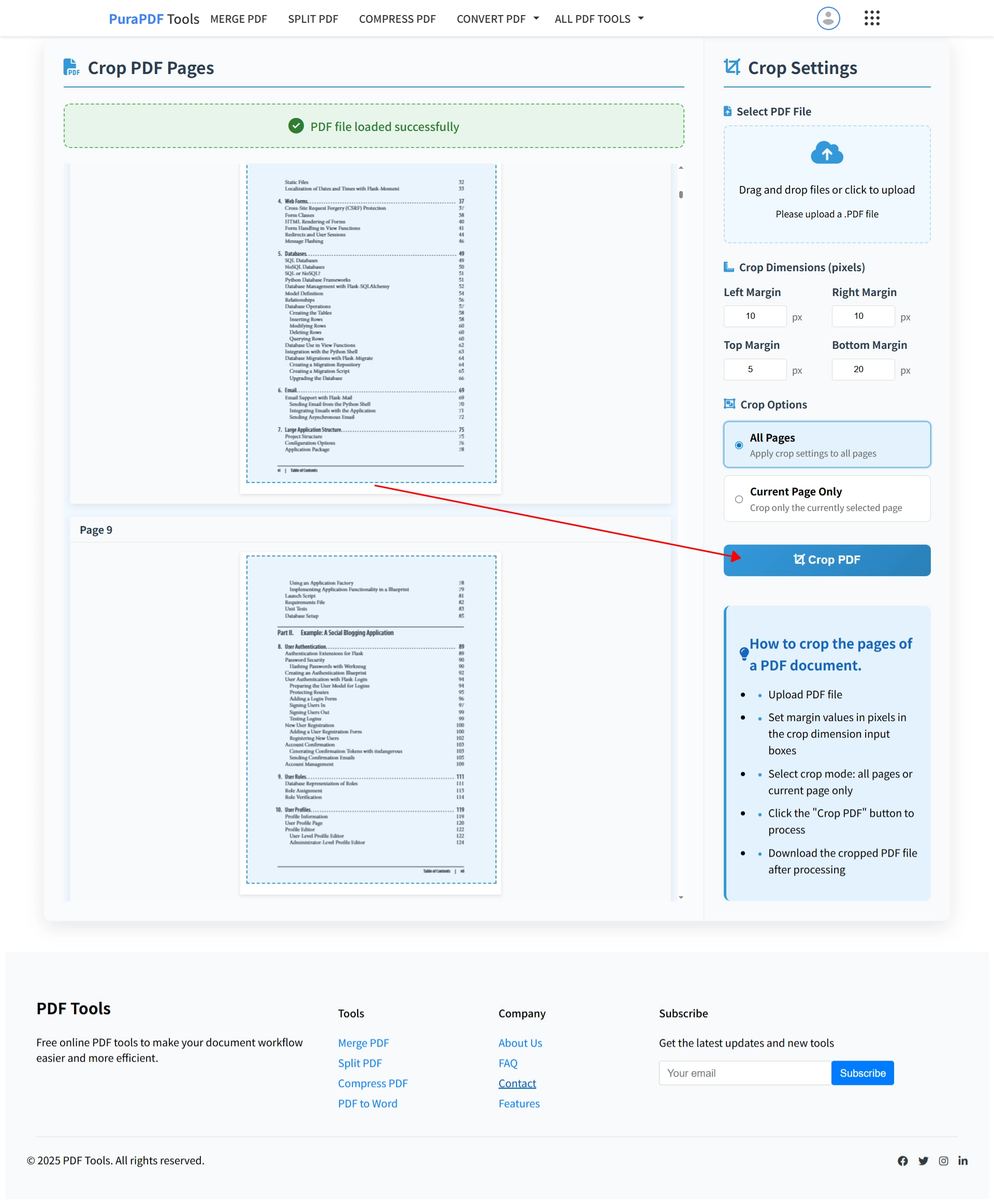
Step 4: Crop and Download
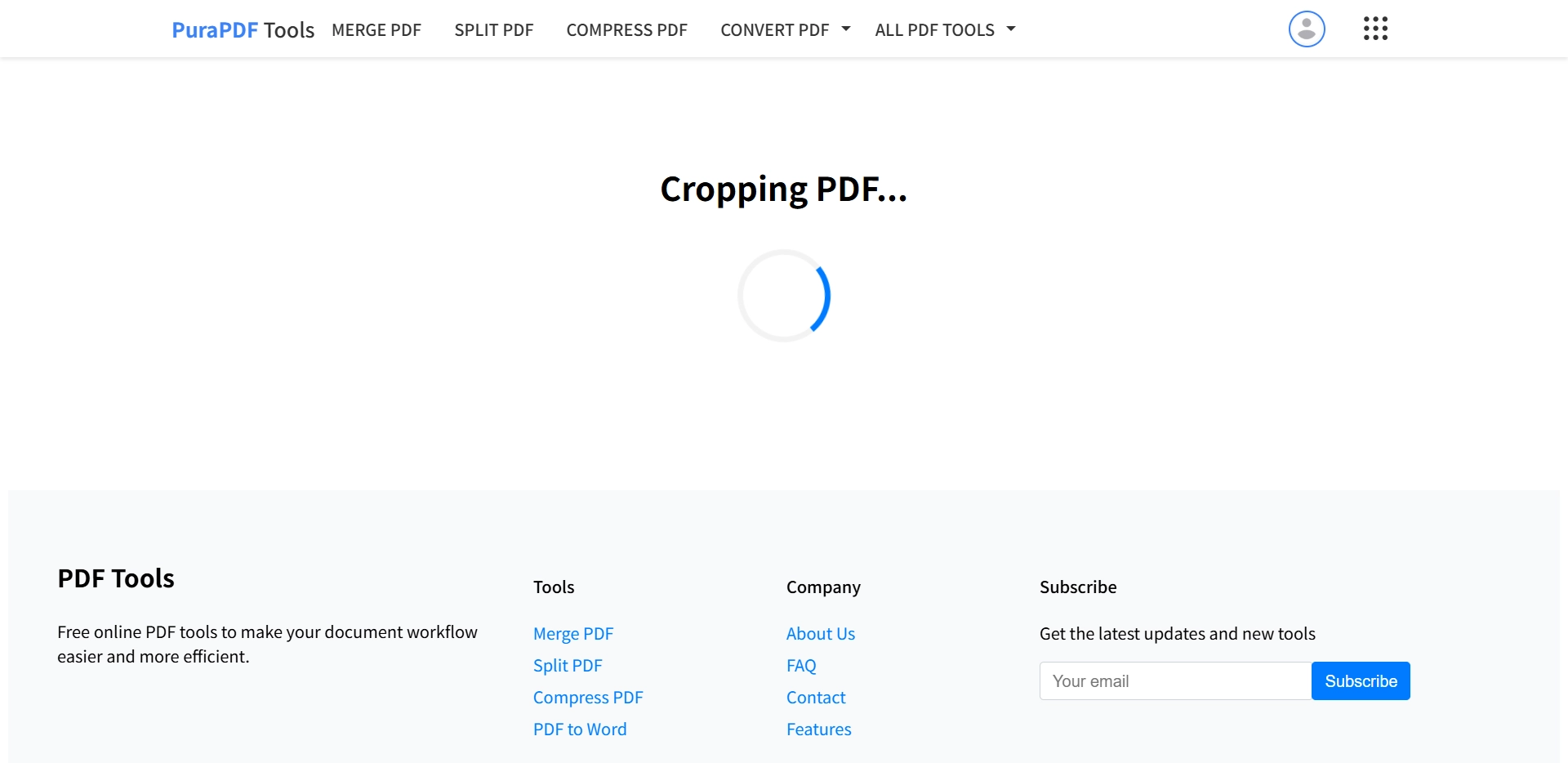
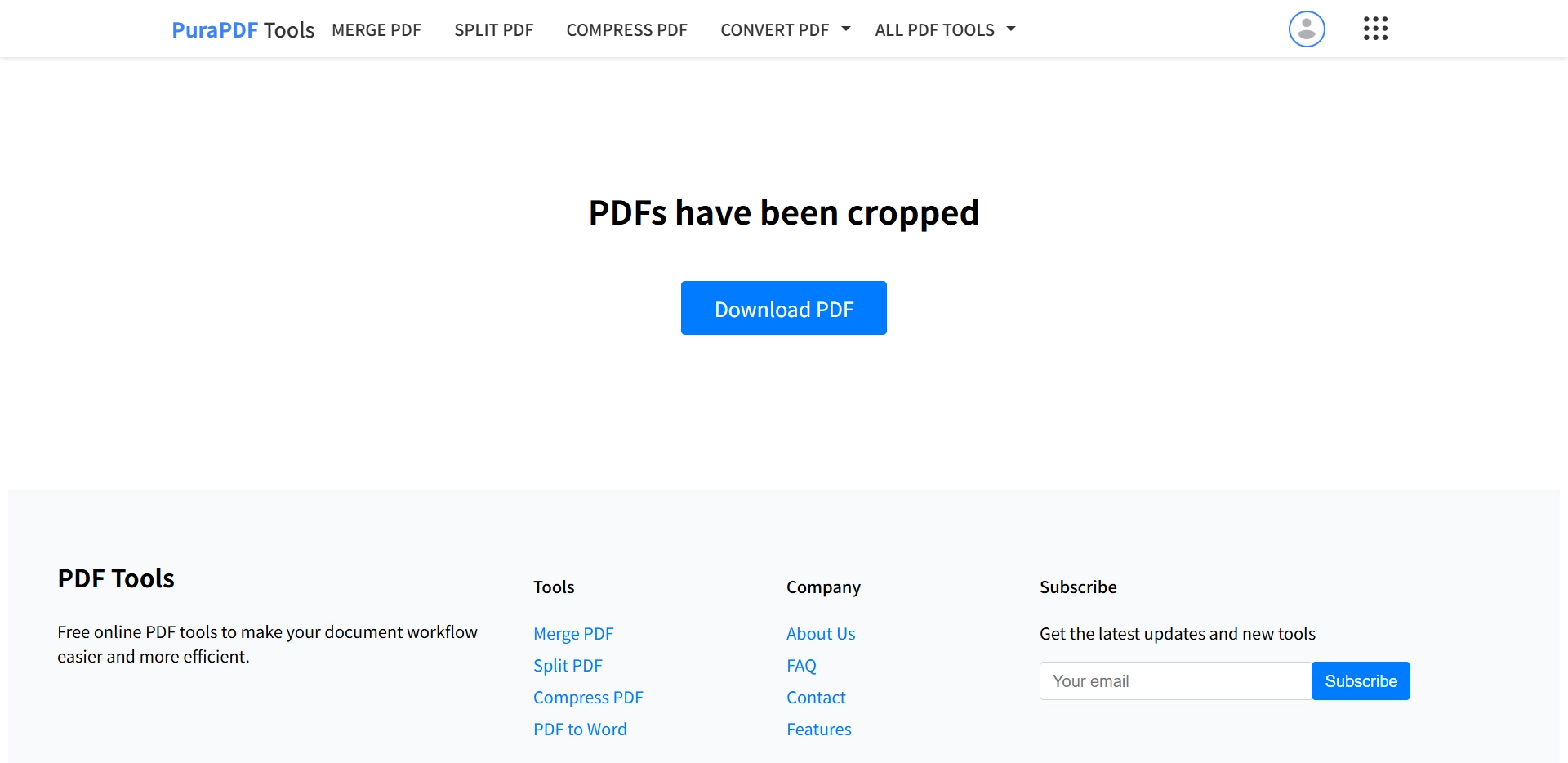
Click the "Crop PDF" button to initiate processing. Once complete, the cropped file will be available for download. No watermark is added.
Video Tutorial
A short demonstration showing each step is available here:
Frequently Asked Questions (FAQ)
Q1: Can I crop all pages of my PDF at once for free?
Yes. Toggle the setting to "All Pages," input the margin values, and the crop will apply to the entire document. There is no charge for files under 50MB.
Q2: What is the file size limit for free batch cropping?
The free tier supports files up to 50MB. For larger documents, upgraded limits are detailed on the pricing page.
Q3: Is my document secure during processing?
All file transfers use TLS 1.3 encryption. Uploaded documents are automatically removed from the server within 24 hours of processing.
Q4: Does cropping affect PDF quality?
No. The operation only adjusts the visible page boundary (CropBox). Internal image data, vector content, and text layers are not re-encoded or resampled.
Additional Resources
More Free PDF Tools: