How to Compress a PDF Online for Free Without a Watermark
You know the situation: a PDF that's too big for email, takes forever to upload, or gets rejected by a portal's size limit. Plenty of online tools promise to shrink it, but then they slap a watermark across every page. If you're sending a client proposal or submitting an application, that looks unprofessional.
PuraPDF's compressor does one thing well: it reduces file size and leaves your document alone. No branding, no watermarks, no sign-up. Here's exactly how it works.
Why This Tool Works
- No Watermark: Your PDF comes out exactly as it went in—just smaller.
- Fast Processing: Compression takes seconds. No waiting around.
- Secure: Files are encrypted during transfer and deleted from servers after processing.
How to Compress a PDF Online for Free Without a Watermark
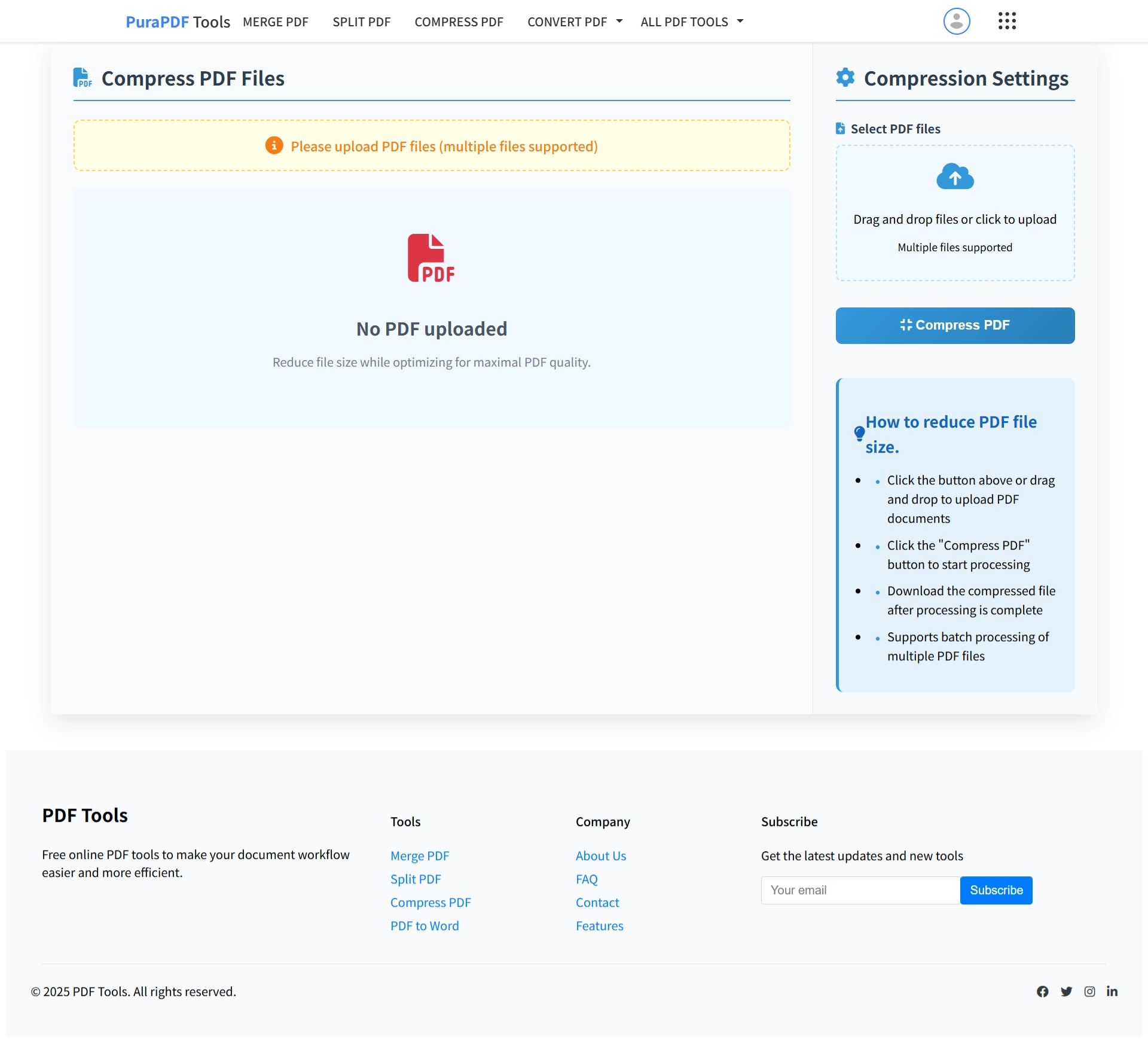
Step 1: Open the Tool
Go to the PuraPDF Compress PDF page. It opens in any browser—Chrome, Safari, Edge, whatever you use.
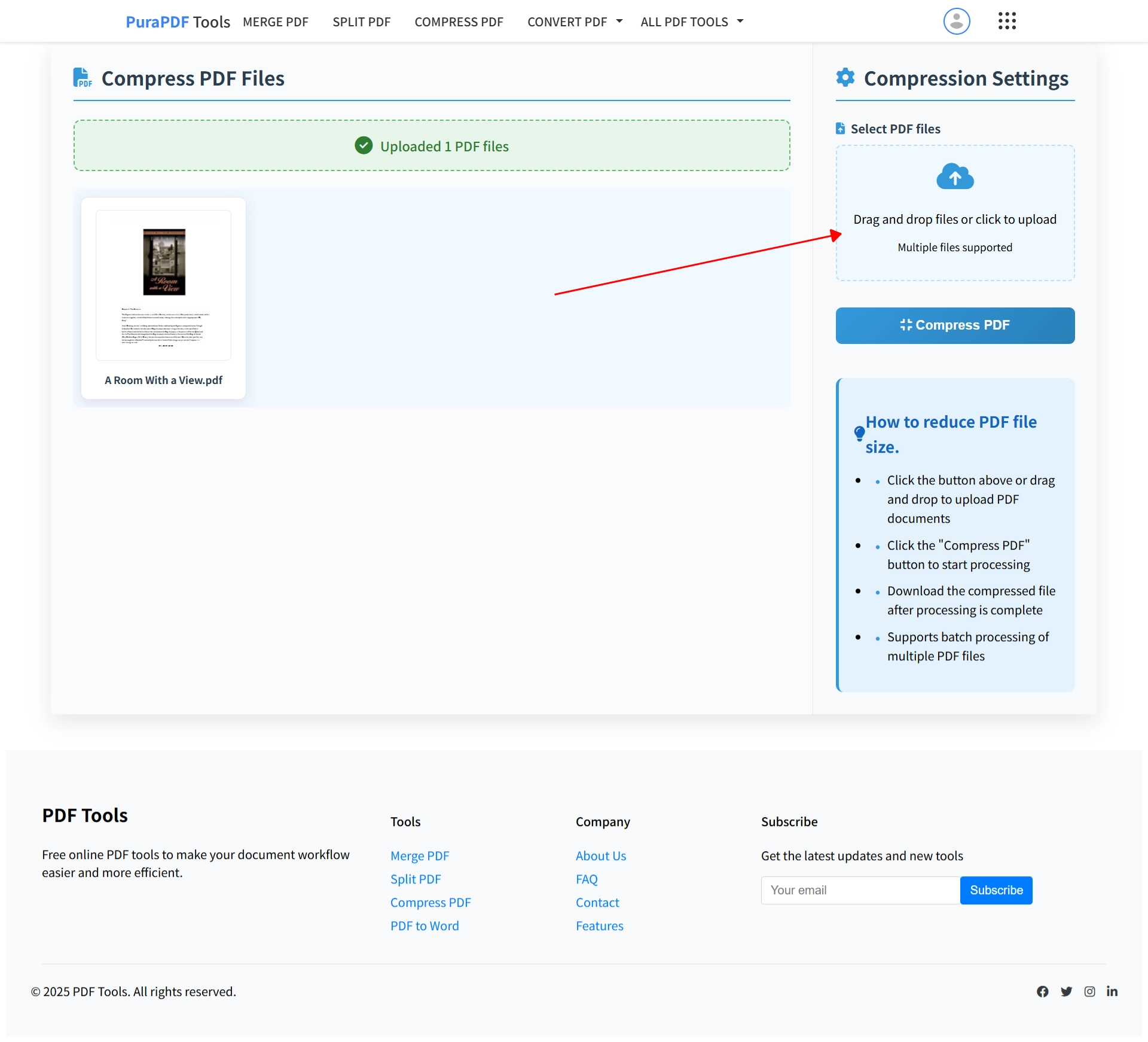
Step 2: Upload Your File
Click the upload box or drag your PDF straight into the window. The tool grabs files directly from your device—no need to connect cloud accounts or download anything first.
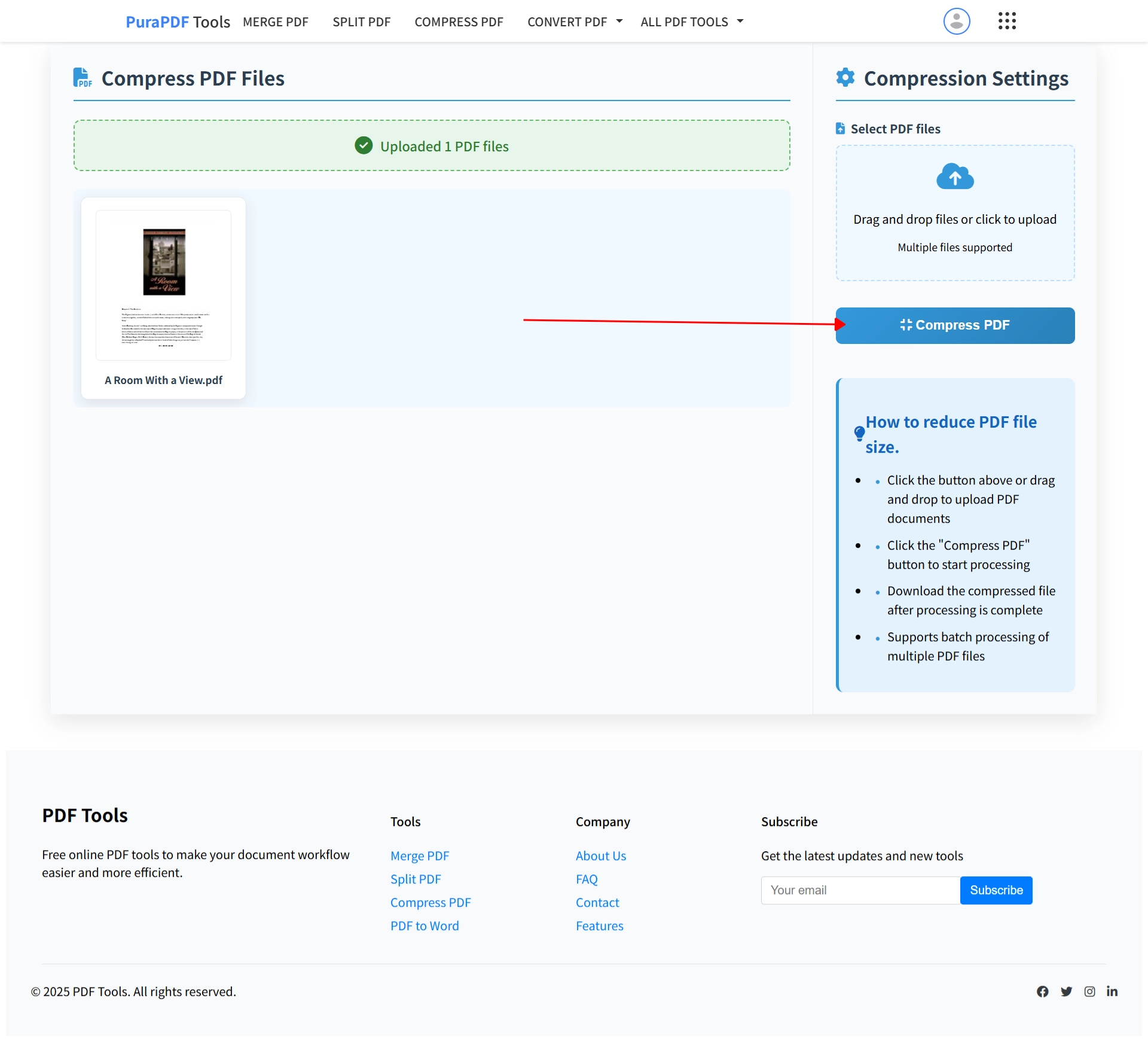
Step 3: Click Compress
Hit the "Compress PDF" button. That's it. The tool processes your file and doesn't add anything to it—certainly not a watermark.
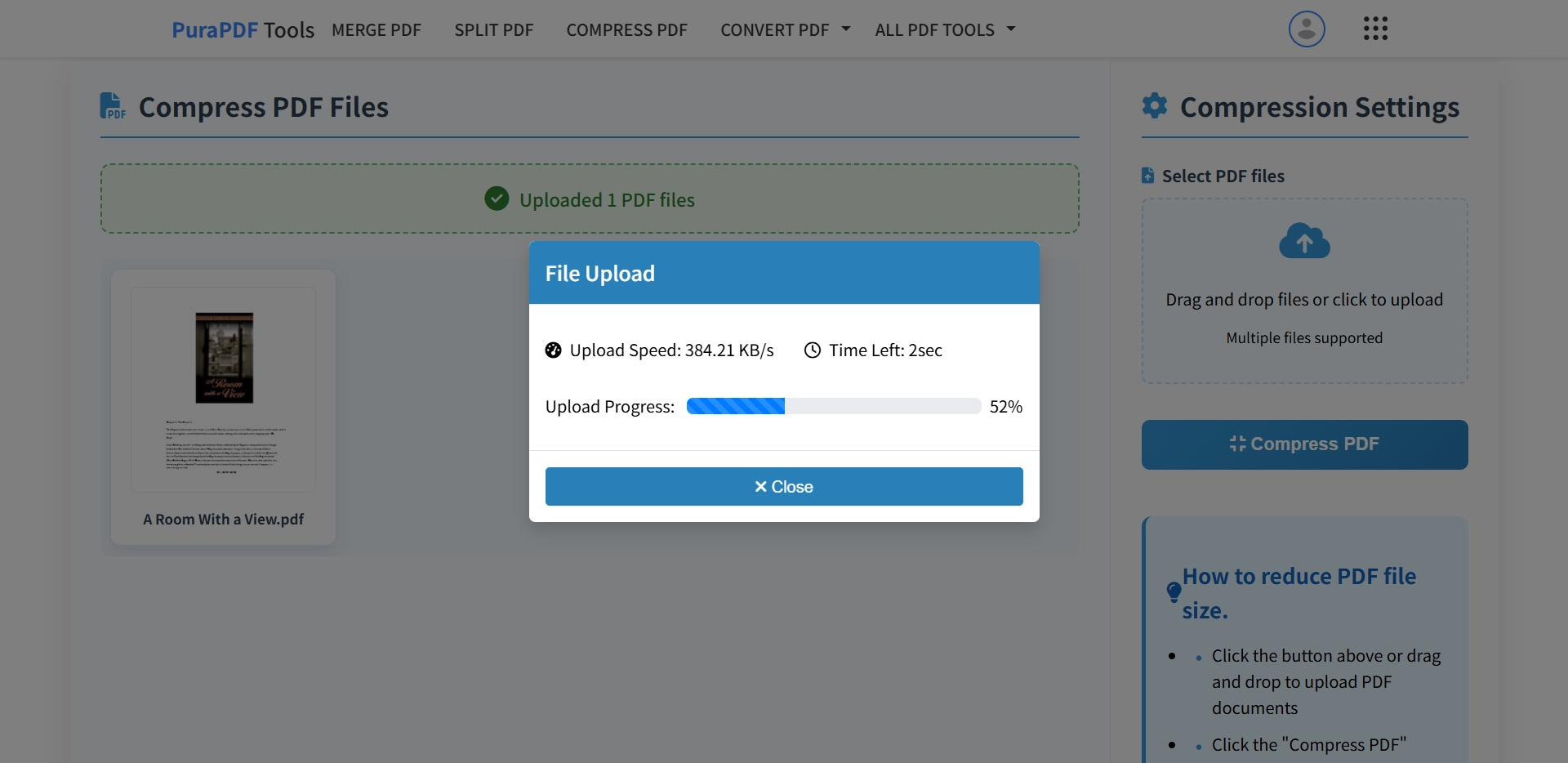
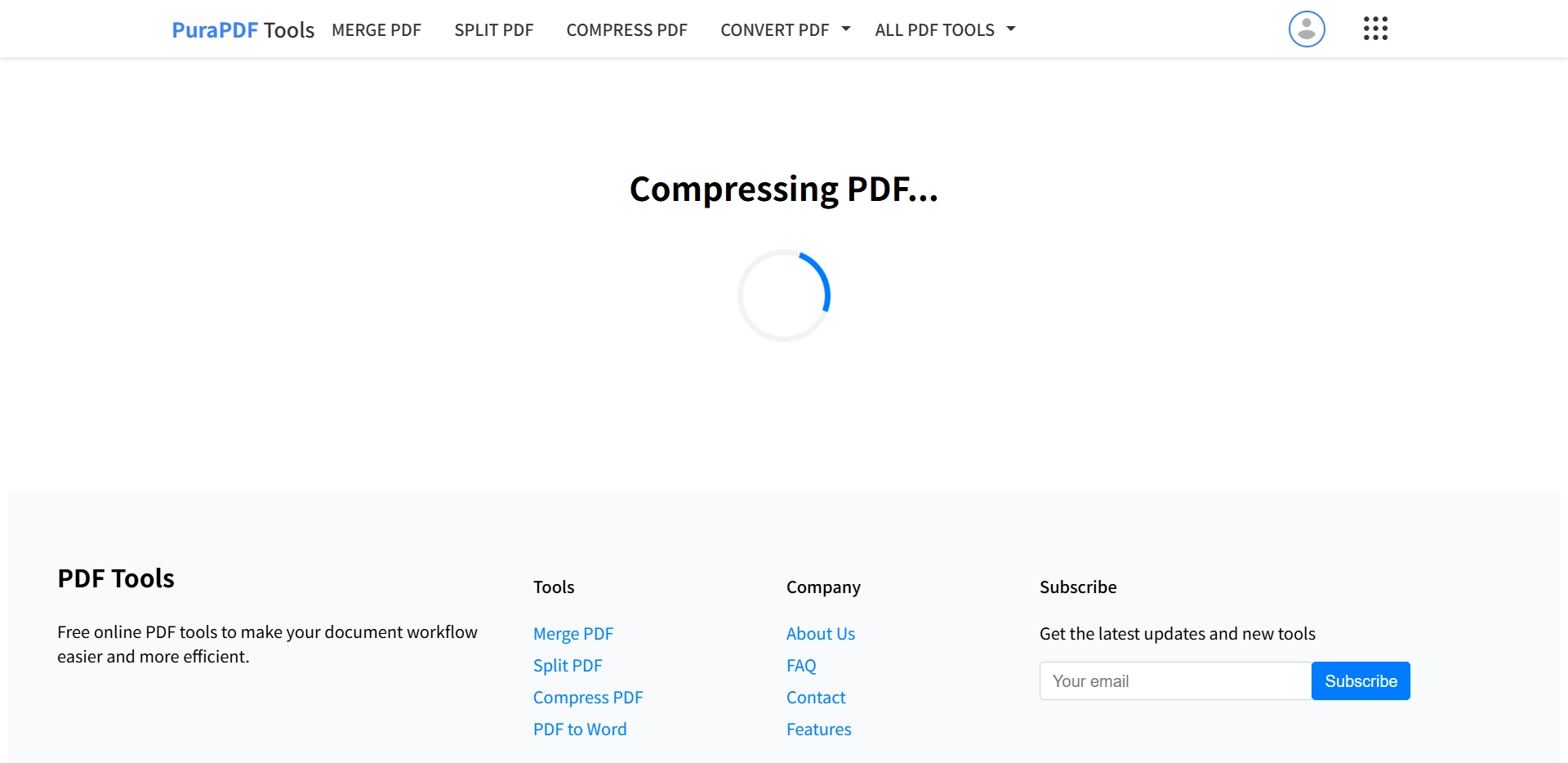
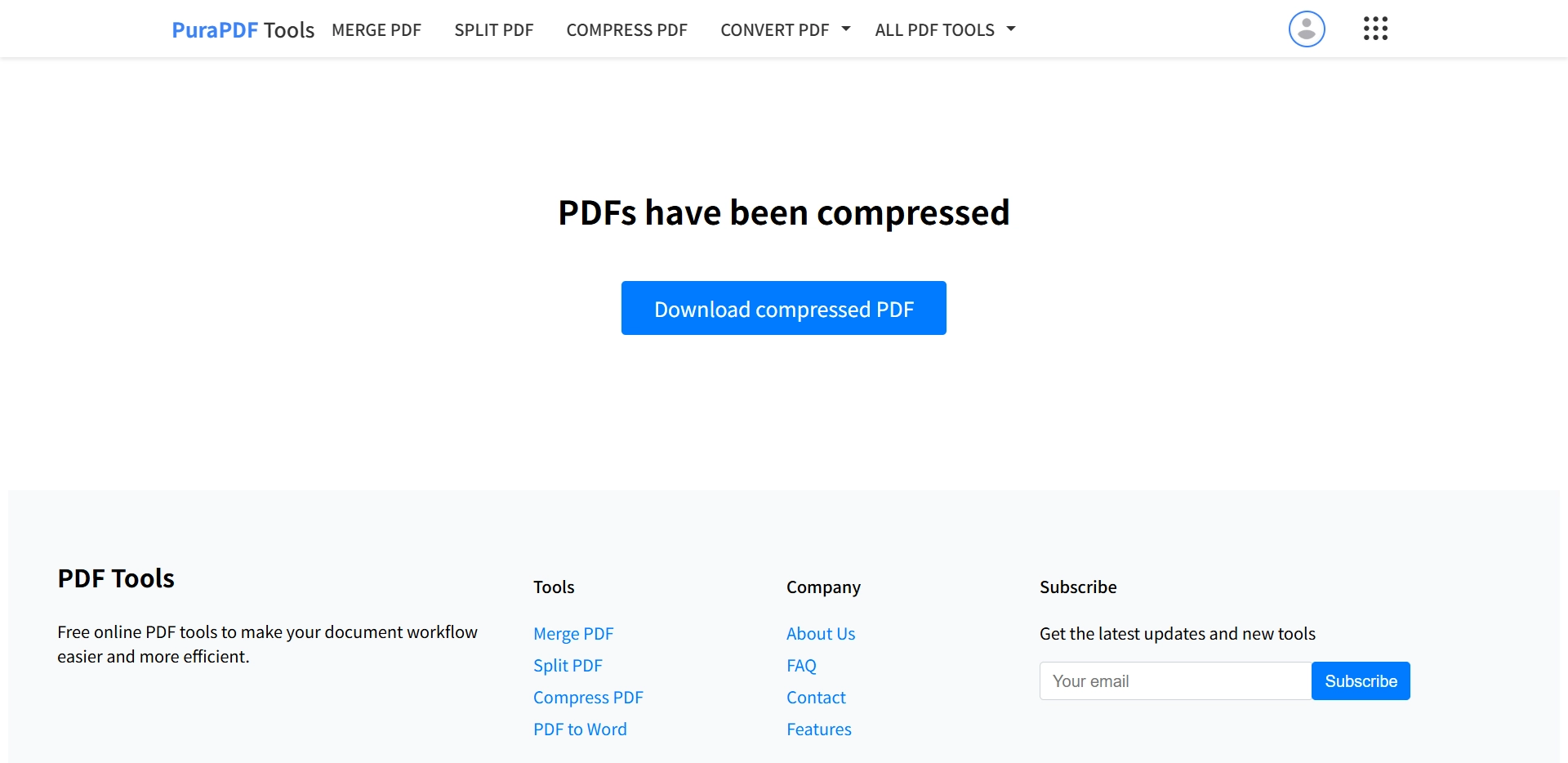
Step 4: Download the Smaller File
Your compressed PDF downloads automatically when it's ready. The file is clean, the size is reduced, and there's no watermark anywhere.
Video Walkthrough
Prefer to see it in action? This short video shows the whole process from upload to download.
Frequently Asked Questions
Does PuraPDF add a watermark to compressed PDFs?
No. We don't add watermarks. Your file comes out clean—just smaller than before.
Is this PDF compressor actually free?
Yes. You can use it without paying or signing up. The free tier handles files up to 1024 MB.
What's the file size limit?
Free users can compress files up to 1024 MB. Premium plans go up to 2048 MB per file and support batch processing of up to 10 files at once.
How secure is my document?
Files transfer over SSL encryption and get deleted from our servers after processing. We don't keep your documents.
Will compression ruin image quality?
The tool finds a balance. Text stays crisp, and images are optimized without obvious degradation. Your PDF remains perfectly readable.
Can I use this on my phone?
Absolutely. The tool works on any device with a browser—no app needed. Upload from your camera roll or file manager and download the compressed version.
More Free PDF Tools
Standards & Compliance
PuraPDF is developed in alignment with internationally recognized standards to ensure reliable document rendering and robust information security practices.
- PDF Processing: Conforms to ISO 32000-2:2020 (Document management — Portable document format — Part 2: PDF 2.0). View official standard →[reference:0]
- Security Framework: Aligned with ISO/IEC 27001:2022 (Information security, cybersecurity and privacy protection — Information security management systems — Requirements). View official standard →[reference:1]